LinkedIn Connection Request Message Templates That Actually Get Accepted (2026)
10+ proven LinkedIn connection request message templates by scenario — cold outreach, referral, event, content. Copy, personalise, send. Based on B2B campaigns with 200K+ decision-makers.
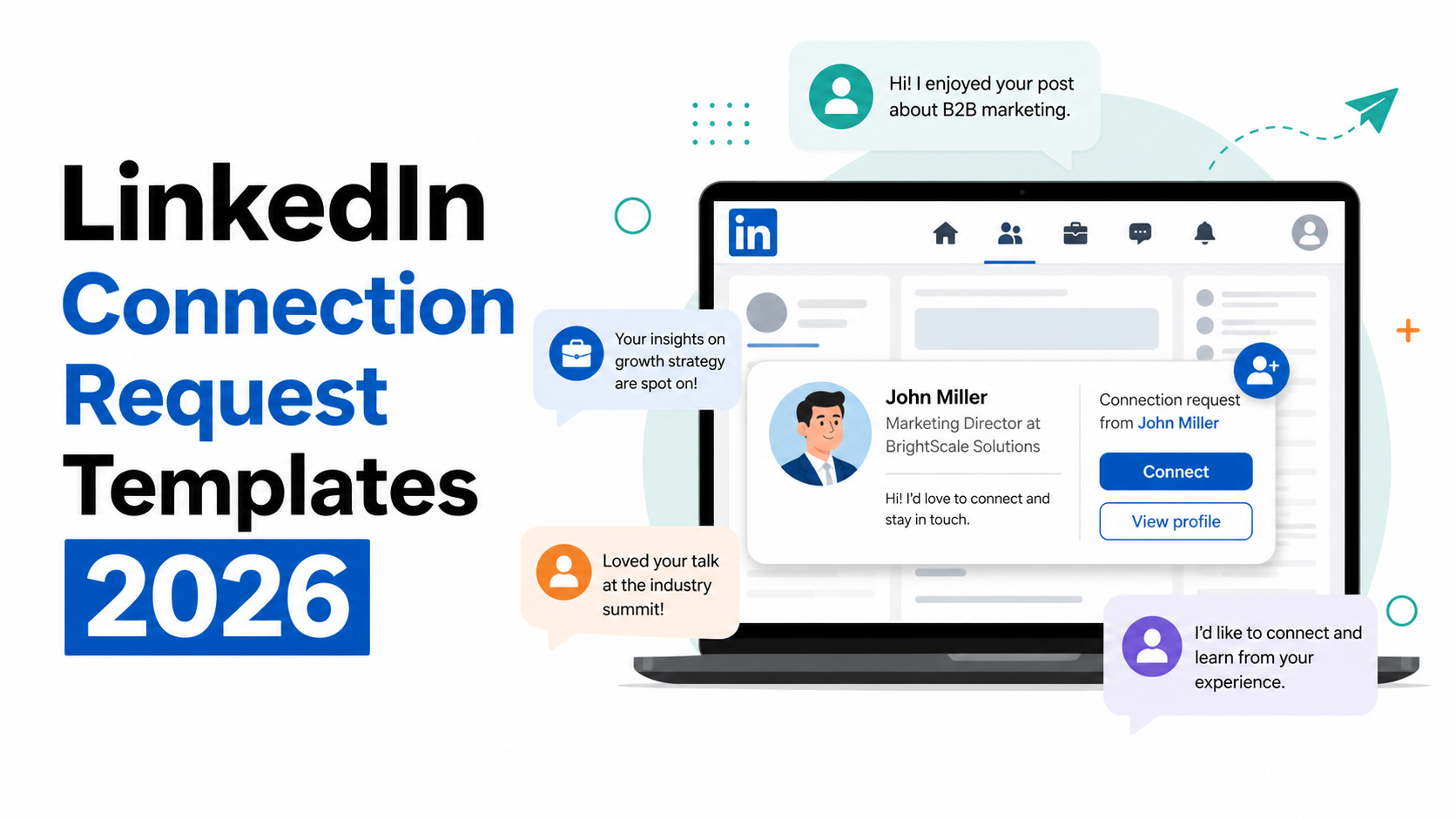
Your LinkedIn connection request message is the first impression you make on a prospect. Most people waste it.
They send the default "I'd like to add you to my professional network" — and wonder why their acceptance rate is 15%. Or they write a three-paragraph pitch that reads like a cold email shoved into a connection request box.
The templates in this guide are built on a different principle: the goal of a connection request is not to sell. It's to get accepted. Everything else comes after.
We've tested these approaches across hundreds of B2B outreach campaigns — reaching fintech, gaming, and IT decision-makers across EU and US markets. Here's what actually works in 2026.
Why Most LinkedIn Connection Requests Get Ignored
Before the templates, the diagnosis. The same three mistakes appear in the majority of rejected requests:
Mistake 1: No personalisation.Sending the default request or a copy-paste template with only the first name swapped signals that you haven't done any research. Prospects notice — and click "Ignore."
Mistake 2: Pitching in the request.A connection request is not a cold email. The moment you introduce your service, pricing, or a calendar link in a connection request, the reader's guard goes up. You've turned a potential connection into a sales approach before trust exists.
Mistake 3: Too long.LinkedIn limits connection request notes to 300 characters. People read them in 5 seconds. Every word that doesn't earn its place reduces acceptance rate. Two or three sentences is the ceiling — not the floor.
The requests that get accepted do three things: they show you know who the person is, they give a credible reason for connecting, and they ask for nothing beyond acceptance.
The Formula for a LinkedIn Connection Request Message That Works
Every high-performing template follows the same structure:
[Hook] — one specific observation about them (their role, company, content, or shared context) [Reason] — why connecting makes sense for both of you [Soft CTA] — optional, and never a pitchThe hook is where most people fail. "I came across your profile" is not a hook — it's a placeholder. A real hook references something specific: a post they wrote, a company milestone, a shared industry event, a mutual connection.
Specificity signals effort. Effort signals respect. Respect gets accepted.
LinkedIn Connection Request Templates by Scenario
Use these as starting points. The brackets indicate where to personalise — the more specific the detail, the better the result.
Scenario 1: Cold Outreach — No Prior Contact
The most common situation: you've found someone who matches your ICP and have no existing relationship.
Template A — Role-based:Hi [Name], I work with [type of company] on [relevant outcome]. Your role at [Company] caught my attention — would be great to connect with someone working on [their focus area].Template B — Company milestone:
Hi [Name], saw that [Company] recently [raised a round / launched X / expanded to Y]. Impressive move. I work in the same space and would love to connect.Template C — Problem-first:
Hi [Name], we help [type of company] with [specific problem]. Think there could be relevant context to share. Happy to connect and see if it makes sense to talk.What makes these work: They reference something specific, they're under 300 characters, and they don't ask for anything beyond a connection.
Scenario 2: After Engaging With Their Content
Someone published a post, article, or comment that you genuinely found useful. This is the warmest possible outreach — they've already shown they're active and their content resonated with you.
Template D — Post comment:Hi [Name], your post on [topic] last week was one of the more honest takes I've seen on [issue]. Would be great to connect with someone thinking this way about [subject].Template E — Article or newsletter:
Hi [Name], read your piece on [topic] — the point about [specific insight] stuck with me. I work in a similar space. Would love to connect.Why this converts: You're demonstrating you paid attention. It costs them nothing to accept, and they know exactly why you're reaching out.
Scenario 3: Same Industry or Community
Shared context — same vertical, same conference circuit, same niche community — dramatically increases acceptance rate. You're not a stranger; you're a peer.
Template F — Same vertical:Hi [Name], both working in [fintech / gaming / B2B SaaS] — always looking to connect with people building in this space. Would be great to have you in my network.Template G — Shared community or group:
Hi [Name], noticed we're both in [LinkedIn group / community name]. Your contribution to [topic discussion] stood out. Would love to connect.
Scenario 4: Referral or Mutual Connection
When a mutual connection suggests you reach out — or you notice a strong shared connection — name-drop it immediately. It's the fastest way to borrow social proof.
Template H — Direct referral:Hi [Name], [Mutual Contact] mentioned we should connect — they thought there'd be relevant overlap between what we're both working on. Looking forward to being in touch.Template I — Shared connection (no explicit referral):
Hi [Name], I noticed we're both connected to [Mutual Contact] — seems like we likely move in similar circles. Would be great to connect.
Scenario 5: After Meeting at an Event or Conference
You've already met in person — this is a warm follow-up, not cold outreach. Keep it short and reference the specific context.
Template J — Post-event:Hi [Name], great to meet at [Event Name] last week. Wanted to connect here to stay in touch — enjoyed our conversation about [topic].Template K — Spoke at or attended same session:
Hi [Name], was in the room for your talk at [Event] on [topic]. Thought your point about [specific thing] was spot on. Would love to stay connected.
Scenario 6: Following Up on Email Outreach
If you've already sent a cold email and haven't heard back, a LinkedIn connection can break the silence — or at least get your name in front of them a second time.
Template L — Email follow-up:Hi [Name], I sent you an email recently about [topic] — thought I'd connect here too in case LinkedIn is a better channel. No pressure, just wanted to put a face to the name.Why this works: It's honest, low-friction, and shows persistence without being pushy. The dual-channel approach consistently outperforms single-channel in B2B prospecting.
What to Do After They Accept
The connection request is step one. Most people either do nothing after acceptance (wasted opportunity) or immediately send a pitch (destroys the relationship before it starts).
The right sequence:
Day 1 — acceptance:Send a brief thank-you message. Keep it conversational, no ask.
"Thanks for connecting, [Name]. Looking forward to staying in touch."Day 3–5:
Engage with their content if they post — a genuine comment, not "great post!"
Day 7–10:Send a first outreach message. By now you've been on their radar twice. The conversation feels warm, not cold.
The goal of the connection is to warm the relationship. The goal of the follow-up message is to start a conversation. The goal of that conversation is to qualify. Compress any of these steps and the whole sequence breaks.
What NOT to Do
Don't pitch in the connection request.Not even a soft pitch. "I'd love to show you how we help companies like yours…" is a pitch. Save it for the follow-up message, after they've accepted.
Don't use "I" as the first word.It centres the message on you, not them. Start with "Hi [Name]" or a direct observation about them.
Don't send the same message to 200 people without any variation.LinkedIn's algorithm detects repetitive messaging patterns. More importantly, recipients feel the lack of personalisation.
Don't connect just to add to your number.Every connection should be someone you'd plausibly want a real conversation with. Irrelevant connections dilute your network and reduce the signal-to-noise ratio of your feed.
Don't follow up on the connection request itself.If someone doesn't accept in 2–3 weeks, withdraw the request. Re-sending or nudging inside LinkedIn on a pending request reads as pushy.
LinkedIn Connection Request Limits in 2026
LinkedIn has significantly tightened connection request limits over the past two years to combat spam.
Current limits:| Account type | Weekly limit |
|---|---|
| Free accounts | ~100 requests/week |
| LinkedIn Premium / Sales Navigator | ~200 requests/week |
| New or low-activity accounts | Lower; increases over time |
LinkedIn also monitors withdrawal rates and ignore rates. If a high percentage of your requests are ignored or withdrawn, LinkedIn may temporarily restrict your ability to send connection requests.
Practical implications for outbound:- Prioritise quality over volume — 50 well-targeted, personalised requests outperform 200 generic ones in both acceptance rate and eventual pipeline
- Use Sales Navigator to filter precisely before sending — it reduces wasted requests and improves targeting accuracy
- Spread requests throughout the week rather than sending in batches
For teams running LinkedIn at scale, this makes list quality and personalisation not just best practice — but operationally necessary.
Personalised LinkedIn Connection Request vs. No Note: Does It Matter?
Yes — significantly.
Personalised connection request messages are accepted at roughly 3x the rate of blank requests in B2B contexts. The gap is even larger when reaching senior decision-makers (VP+, C-suite), who receive dozens of connection requests weekly and have lower tolerance for generic outreach.
The caveat: a weak personalised message can perform worse than no message. "Hi [Name], I'd like to connect with you on LinkedIn" adds no value over the default. A message only helps if it demonstrates genuine context or interest.
The benchmark from our campaigns: well-personalised connection requests targeting matched ICPs achieve 35–55% acceptance rates in B2B. Generic requests to the same audience average 15–20%.
Frequently Asked Questions
What should I write in a LinkedIn connection request message?Keep it under 300 characters. Include a specific hook (something about them or shared context), a brief reason for connecting, and no pitch. The goal is acceptance — not a sale.
How long should a LinkedIn connection request message be?2–3 sentences maximum. LinkedIn caps notes at 300 characters. The ideal length is short enough to read in 5 seconds — if they have to scroll or think, it's too long.
Should you always send a note with a LinkedIn connection request?Yes, if you're doing B2B outreach. Personalised requests are accepted at 3x the rate of blank requests when targeting decision-makers. The exception: connecting with someone you know personally, where context is already established.
What is the LinkedIn weekly connection request limit in 2026?Approximately 100 requests per week for free accounts, up to 200 for Sales Navigator. LinkedIn monitors ignore and withdrawal rates — high rejection rates can trigger temporary restrictions.
What's the best time to send a LinkedIn connection request?Tuesday through Thursday, between 8–10am or 1–3pm in the recipient's timezone. Avoid Mondays (inbox overload) and Fridays (low engagement).
The Bottom Line
The best LinkedIn connection request message templates share one trait: they make the recipient feel seen rather than targeted.
A specific hook. A credible reason. No pitch.
That's the formula — and it works whether you're connecting after an event, engaging with someone's content, or reaching out cold to a matched prospect.
The templates above are starting points. The personalisation is what closes the gap between 20% and 50% acceptance rates.
Running LinkedIn outreach at scale and want consistent results across your target accounts? VirtuWise manages LinkedIn lead generation for B2B companies in fintech, gaming, and IT services — building targeted prospect lists, crafting personalised outreach sequences, and booking qualified meetings. See how it works in practice or get in touch to discuss your pipeline goals.
Related reading: