
Technical SEO Audit: What It Covers and How to Actually Fix What It Finds
A technical SEO audit is only useful if the findings get prioritized and fixed. Here's what a real audit checks, what tools alone miss, and how to act on the results.
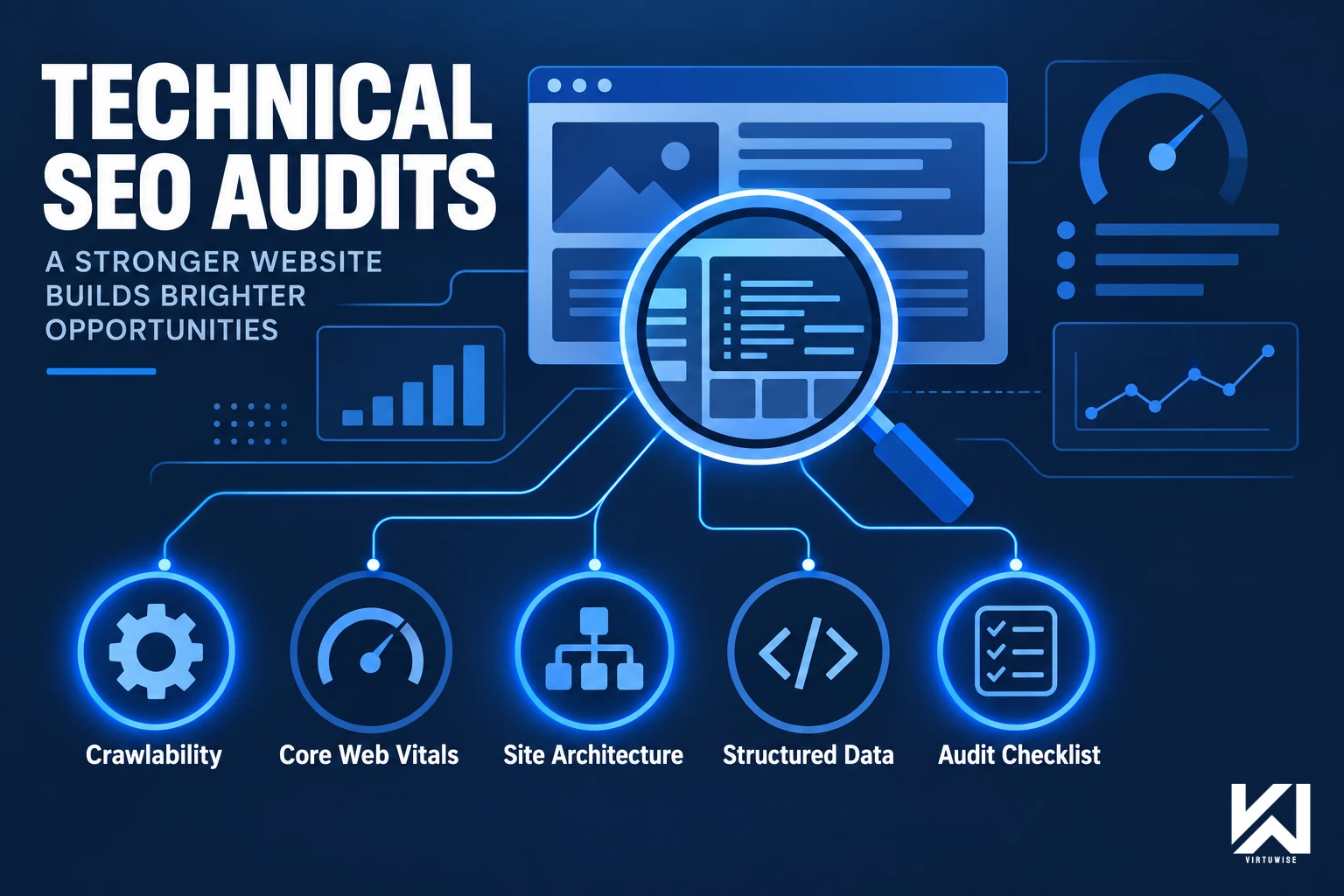
Run a free automated scanner against almost any website and it will return a list of 40, 80, sometimes 200 "issues" — missing alt tags, thin meta descriptions, a handful of 404s, a Core Web Vitals warning. None of that is wrong, exactly. It's also not an audit. A technical SEO audit is the work that happens after the scan: figuring out which of those findings actually matter, why they're happening, and what order to fix them in so the site's crawlability and rankings genuinely improve instead of a report sitting in a shared drive.
This guide covers what a real technical SEO audit checks, how it differs from running a tool and exporting the results, how to prioritize what it finds, and how to decide whether to do it yourself, hire a freelancer, or bring in an agency.
What a Technical SEO Audit Actually Checks
A technical SEO audit examines whether search engines can find, crawl, render, and understand a site — separate from the content quality or backlink questions that classic "SEO audit" tools often bundle in. The core areas:
Crawlability and indexability
Whether search engine bots can reach every page that should be indexed and are blocked from the ones that shouldn't be: robots.txt directives, noindex tags applied correctly (or accidentally left on live pages after a staging migration), XML sitemap accuracy, and orphaned pages with no internal links pointing to them.
Core Web Vitals and page performance
Largest Contentful Paint, Interaction to Next Paint, and Cumulative Layout Shift — Google's real-world performance signals, measured from actual user data where available, not just a lab score. A site can pass a synthetic Lighthouse test and still fail Core Web Vitals for real visitors on slower connections or devices.
Site architecture and internal linking
How pages are organized and linked to each other. A flat, logical structure with important pages a few clicks from the homepage distributes authority better than a deep, disorganized one — and internal linking is one of the few ranking levers a site controls entirely on its own.
Structured data and schema markup
Whether schema is implemented correctly, validates, and — critically — renders in the initial server response rather than being injected client-side after JavaScript runs, which a meaningful share of crawlers (and now AI crawlers) never wait around for.
Mobile usability and rendering
Whether the mobile version of a page renders the same content as desktop, since Google indexes mobile-first. Content hidden behind mobile-only accordions or tabs sometimes gets treated differently than a scanner initially reports.
International and duplicate-content signals
For multi-region or multi-language sites: hreflang implementation, canonical tag accuracy, and duplicate-content risks from parameter-based URLs, filtered category pages, or staging environments that got indexed by accident.
Log file analysis
Reviewing actual server logs to see how search engine bots are crawling the site in practice — which pages get crawled frequently, which get ignored, and where crawl budget is being wasted on low-value URLs. This is the one audit component a scanner tool genuinely cannot do, since it requires real server access, not just a crawl of the public site.
Automated Tool Report vs. a Real Technical SEO Audit
This is where most "technical SEO audits" fall short, and it's worth being direct about: a tool scan and a technical SEO audit are not the same deliverable.
An automated scanner is good at what it does — it crawls a site fast, flags deviations from best practice, and produces a long list. What it doesn't do is tell you that 15 of those 80 flagged issues are cosmetic, that 3 of them are the actual reason organic traffic dropped last quarter, or that fixing the Core Web Vitals issue requires a conversation with engineering about a specific script, not a plugin setting.
A real audit adds three things a raw scan can't:
- Prioritization — ranking findings by actual traffic and ranking impact, not by how the tool's internal severity score happens to be calibrated
- Root-cause diagnosis — tracing a symptom (a page not indexing) back to its actual cause (a redirect chain, a canonical pointing to the wrong URL, a robots.txt rule written for a staging subdomain that got copied to production)
- A fix plan matched to who's actually going to implement it — a CMS-level fix a content team can make this week, versus a template change that needs a developer sprint
Running the scan is the easy 20% of the work. The other 80% is judgment — the same judgment gap that shows up in most technical SEO audits pulled straight from a tool export with no analysis layered on top.
Technical SEO Findings: Priority by Impact and Effort
| Finding Type | Typical Fix Effort | Typical Impact |
|---|---|---|
| Blocked/noindexed pages that should rank | Low — config change | High — direct visibility loss |
| Core Web Vitals failures (LCP/INP/CLS) | Medium-High — often needs dev work | High — ranking + conversion signal |
| Broken internal links / redirect chains | Low-Medium | Medium — crawl budget + user experience |
| Missing or invalid structured data | Medium — implementation + validation | Medium — SERP features, AI citability |
| Thin or duplicate content on indexed pages | Medium-High — content rework | Medium-High — compounding over time |
| Poor internal linking to priority pages | Low-Medium | Medium — authority distribution |
| Slow-loading images / unoptimized assets | Low | Medium — direct Core Web Vitals input |
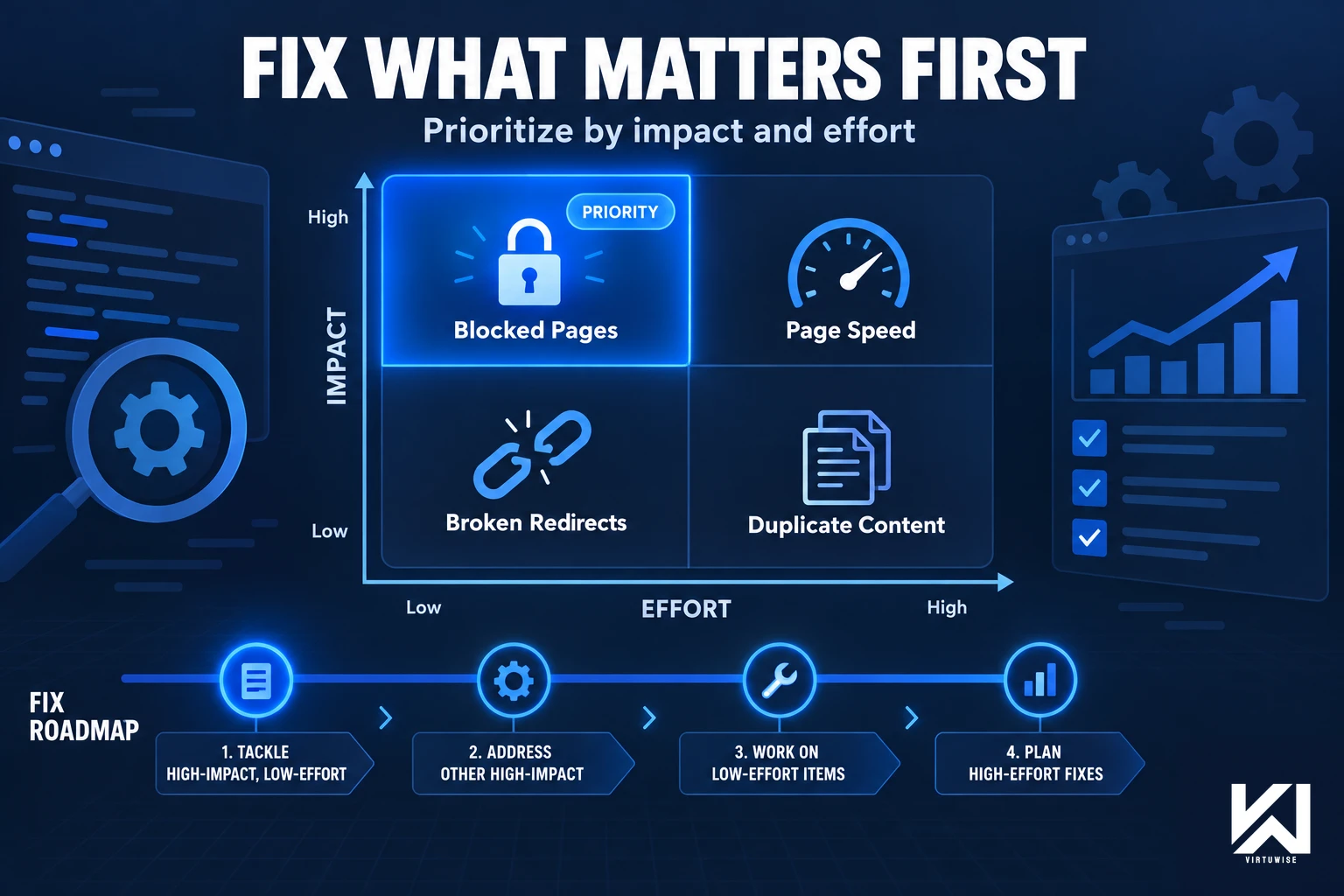
The pattern worth noticing: the highest-impact fixes are frequently also the lowest-effort ones — a misconfigured noindex tag or a broken redirect can be undoing months of content work for a five-minute fix, once someone's actually looked for it.
Put together, here's how that prioritization typically maps onto a real fix roadmap once the findings are sorted by what actually moves the needle:
When a Business Actually Needs a Technical SEO Audit
- Before and after a site redesign or CMS migration — the single most common cause of a sudden organic traffic drop is a migration that broke redirects, changed URL structures, or introduced client-side rendering that crawlers handle worse than the old setup
- After an unexplained traffic drop — an audit is the fastest way to rule out (or confirm) a technical cause before assuming it's a content or algorithm-update problem
- Before starting a content or link-building push — there's limited value investing in new content if the site has crawlability issues quietly capping how much of that content actually gets indexed
- As a recurring quarterly check — sites accumulate technical debt continuously: new pages get published without proper markup, plugins update and change rendering behavior, old redirects pile up. A one-time audit catches a moment in time; an ongoing cadence catches drift before it compounds
DIY, Freelancer, Agency, or VirtuWise: What Technical SEO Actually Requires
Technical SEO sits at the intersection of marketing and engineering, which is exactly why it gets under-resourced — it's not squarely owned by either team.
DIY
Using a scanner tool and fixing what's flagged works for very small sites with simple architectures and a technically comfortable owner. It breaks down past a certain site size, because the volume of findings without prioritization becomes noise rather than a plan, and root-cause diagnosis (why is this happening, not just what is happening) is the part tools don't do.
A freelancer
Can be a reasonable fit for a one-time audit on a defined budget, provided their sample audits show actual prioritization and root-cause work, not a relabeled tool export — worth checking before hiring, since the gap between the two is easy to miss until the deliverable arrives.
A dedicated SEO agency
Typically brings more process and more hands for ongoing implementation, but technical SEO is often a smaller specialty inside a broader content-and-links retainer, so it's worth confirming who on the team actually does the technical diagnosis work versus who's running the reporting dashboard.
VirtuWise's approach
Treats technical SEO as inseparable from the rest of an Inbound engagement rather than a one-off deliverable: every engagement starts with a combined SEO and AI-crawler audit, findings get prioritized against actual traffic and ranking data (not a generic severity score), and the fixes that need engineering input get scoped and tracked through to shipped, not just flagged and handed off. It's the same team that then builds the content and link-building strategy on top of a technically sound foundation — not a separate audit vendor and a separate content vendor working from different assumptions about what's broken.
Inbound (SEO & AEO) starts at €3,500/month, scoped across a few tiers depending on content and technical depth, and kicks off with that audit within 7–10 business days of onboarding. Full details at virtuwise.io/services/seo-and-aeo and virtuwise.io/pricing.
Frequently Asked Questions
What is a technical SEO audit?A technical SEO audit is a review of whether search engines can crawl, index, render, and understand a website — covering crawlability, Core Web Vitals, site architecture, structured data, mobile rendering, and (for multi-region sites) international SEO signals. It's distinct from a content audit or a backlink audit, though a full "SEO audit" sometimes bundles all three.
How is a technical SEO audit different from a free SEO tool scan?A tool scan produces a list of flagged issues based on best-practice rules. A real audit adds prioritization (which findings actually affect traffic and rankings), root-cause diagnosis (why the issue is happening, not just that it exists), and a fix plan matched to who will implement it. The scan is a starting point, not the deliverable.
How often should a technical SEO audit be done?A full audit before a redesign, migration, or major content push, and after any unexplained traffic drop, at minimum. Beyond that, a quarterly check catches the technical debt that accumulates from new pages, plugin updates, and template changes before it compounds into a bigger problem.
Can I do a technical SEO audit myself?For a very small, simple site, yes — running a scanner tool and fixing the clearer issues can be enough. Past a certain size or complexity, the value shifts to prioritization and root-cause diagnosis, which is harder to do without SEO-specific experience reading the data, not just running the tool.
What's the difference between technical SEO and SEO in general?Technical SEO covers the crawlability, indexability, and site-health side of search optimization — the infrastructure that determines whether content can even be found and understood. It sits alongside (not instead of) content strategy and link building, which address what's on the page and how much authority points to it. All three need to work together for rankings to move.